
Artisan Package
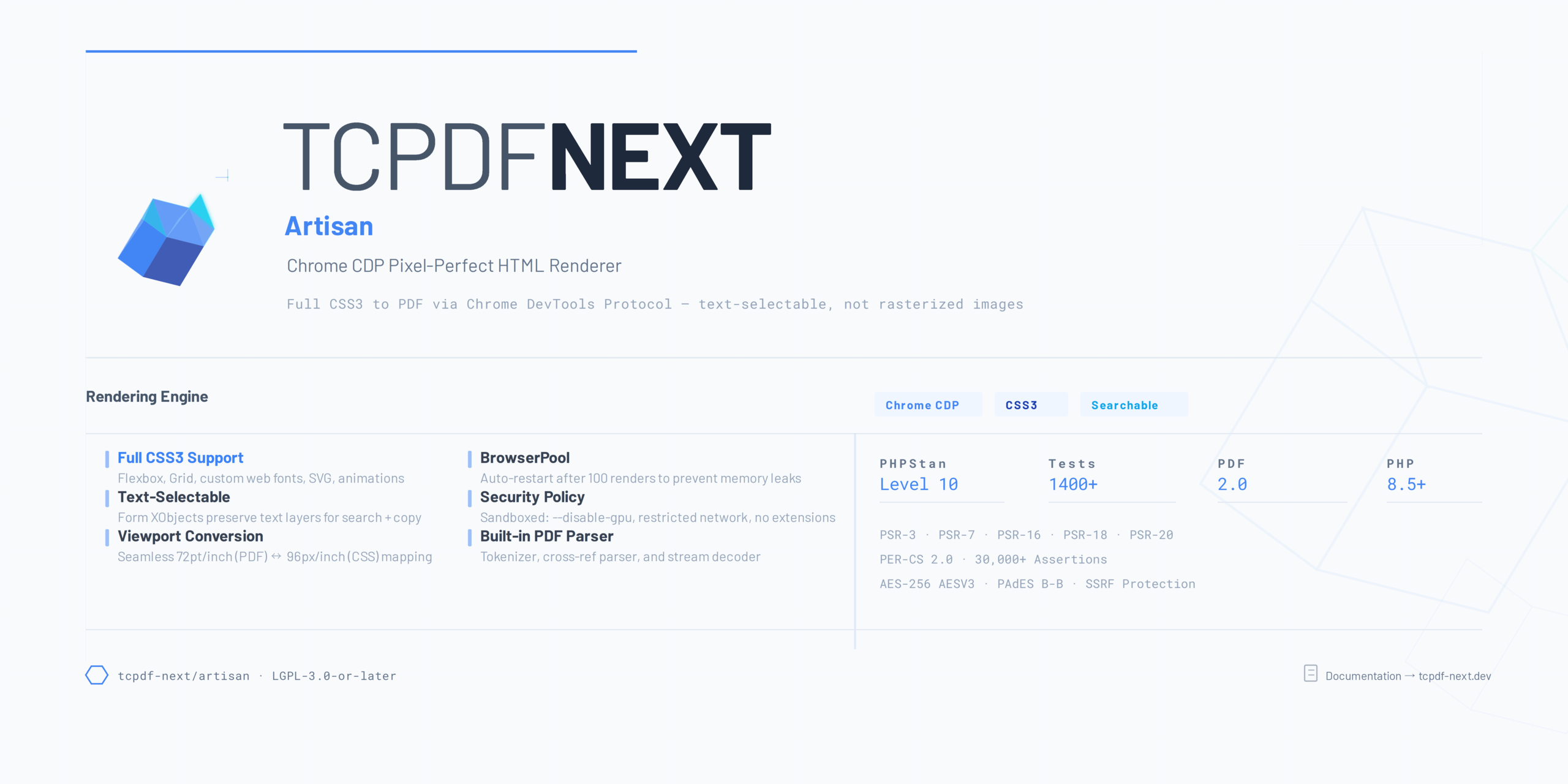
The Artisan package (yeeefang/tcpdf-next-artisan) provides pixel-perfect HTML-to-PDF conversion powered by Chrome DevTools Protocol (CDP). It renders HTML with full CSS3 support -- including Flexbox, Grid, web fonts, media queries, and animations frozen at render time.
When to Use Artisan
| Scenario | Recommended |
|---|---|
| Generate PDF from HTML/CSS templates | Artisan |
| Programmatic PDF construction (cells, drawing) | Core |
| HTML emails to PDF archive | Artisan |
| Invoice from structured data | Core or Artisan |
| Complex CSS layouts (Grid, Flexbox) | Artisan |
| Signed/encrypted PDFs | Core |
How It Works
Artisan launches a headless Chrome instance via the Chrome DevTools Protocol, loads your HTML content into a browser page, and uses Chrome's built-in print-to-PDF functionality. This means every CSS feature that Chrome supports is available for your PDFs -- no more fighting with limited CSS parsers.
HTML/CSS --> ChromeBridge --> Chrome CDP --> PDF binary --> save / streamInstallation
composer require yeeefang/tcpdf-next-artisanRequirements:
- PHP 8.2+
chrome-php/chrome ^1.15(installed automatically)- Chrome or Chromium browser installed on the host
# Ubuntu/Debian
apt-get install -y chromium-browser

# macOS
brew install --cask chromium

# Windows (Chocolatey)
choco install googlechrome

# Set a custom path via environment variable
export CHROME_PATH=/usr/bin/google-chromeQuick Start
use Yeeefang\TcpdfNext\Artisan\HtmlRenderer;

$renderer = HtmlRenderer::create();

$renderer
    ->loadHtml('<h1>Hello, World!</h1><p>Rendered with Chrome CDP.</p>')
->save('/output/hello.pdf');From a URL
HtmlRenderer::create()
    ->loadUrl('https://example.com/report')
->save('/output/report.pdf');From a File
HtmlRenderer::create()
    ->loadFile('/templates/invoice.html')
->save('/output/invoice.pdf');Package Contents
| Class | Purpose |
|---|---|
HtmlRenderer | Main entry point -- load HTML, configure, render |
ChromeBridge | Chrome DevTools Protocol communication |
RenderOptions | Rendering configuration (margins, scale, headers) |
PageSetup | Page size and orientation for rendering |
PdfMerger | Merge multiple rendered pages into a single PDF |
StyleInjector | Inject CSS stylesheets before rendering |
ScreenshotCapture | Capture page screenshots (PNG/JPEG) |
Exception Hierarchy
| Exception | When |
|---|---|
RenderException | Generic rendering failure |
ChromeNotFoundException | Chrome binary not found at expected path |
TimeoutException | Page load or rendering exceeded the configured timeout |
All exceptions live under the Yeeefang\TcpdfNext\Artisan\Exceptions namespace and extend a common ArtisanException base class.
Comparison with Core HTML Parser
The Core package includes an HtmlParser module for basic HTML-to-PDF conversion. Use it when you need a dependency-free solution. Use Artisan when you need full browser rendering fidelity.
| Feature | Core HtmlParser | Artisan |
|---|---|---|
| External dependency | None | Chrome/Chromium |
| CSS Flexbox / Grid | No | Yes |
Web fonts (@font-face) | No | Yes |
| Media queries | No | Yes |
| JavaScript execution | No | Yes |
@page CSS rules | No | Yes |
| Performance (simple docs) | Faster | Slower |
| Performance (complex CSS) | N/A | Reliable |
Next Steps
- HTML Renderer -- Loading and rendering HTML content.
- Render Options -- Configuring page size, margins, headers, and footers.
- Advanced Features -- PDF merging, CSS injection, screenshots.
- Docker Setup -- Running Artisan in containers.